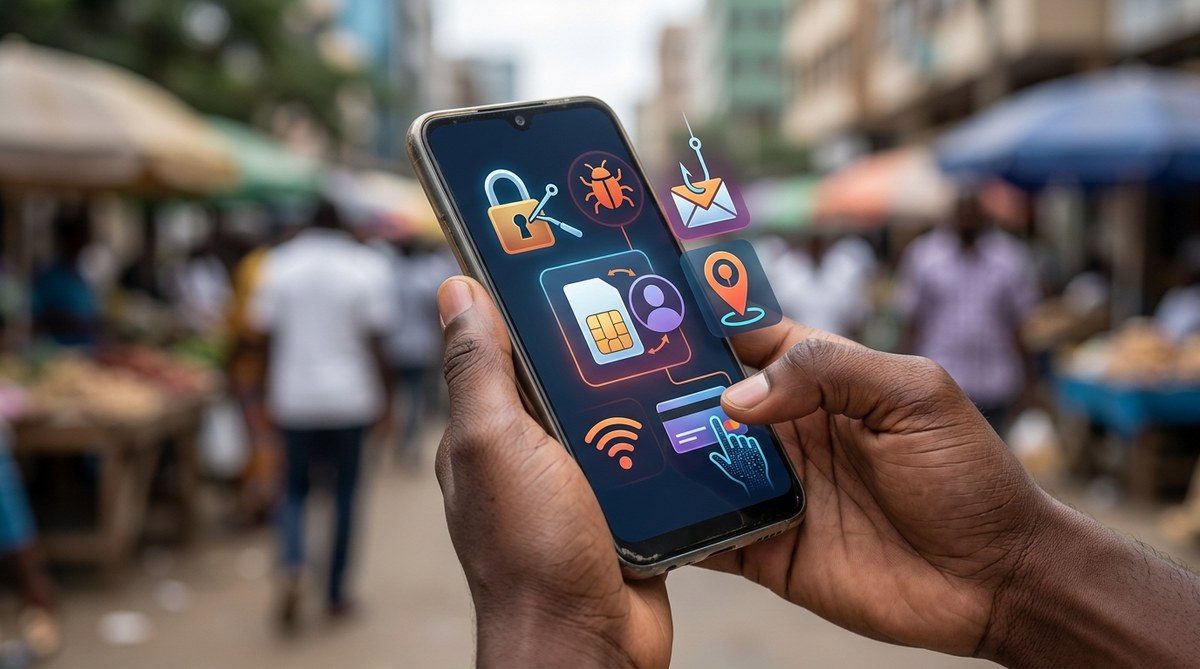
Your phone is your mobile wallet, your bank branch, your chat app, and your photo album all in one. In Africa, that makes it a prime target. Cybercriminals are not just attacking big companies anymore. They are going after individuals, using tricks that feel personal. Mobile money fraud alone costs the continent hundreds of millions of dollars each year. And the threats keep getting smarter. In 2026, the danger is sharper because attackers use AI, deepfakes, and social engineering to go after your phone. You need to know what is hiding in plain sight.
Seven hidden risks threaten African smartphone users in 2026: mobile money phishing, SIM swapping, fake loan apps, public Wi-Fi hijacking, AI voice cloning, malicious QR codes, and social media identity theft. Each can drain your wallet or steal your identity. But simple habits like enabling two-factor authentication, verifying calls, and using trusted app stores can block most attacks. Stay alert. Your smartphone is your future bank.
The Threat Landscape Has Gone Personal
Criminals used to need technical skills. Now they buy hacking tools on Telegram or rent AI voice-cloning services for a few dollars. The attacks are cheaper, faster, and harder to spot. In Africa, where mobile money is deeply woven into daily life, the risk is even greater. If someone takes over your phone, they can empty your M-Pesa account, apply for loans in your name, or trick your family into sending money.
Let us walk through the seven risks that every African smartphone user needs to watch out for in 2026. Each one has a real-world example and a set of practical steps you can take today.
1. Mobile Money Phishing on WhatsApp and SMS
This is the biggest threat by volume. You receive a message that looks like it comes from your mobile network or a bank. It says your account was locked and you need to click a link to verify. The link leads to a fake page that steals your PIN and ID numbers.
In 2025, a wave of these attacks hit Kenya and Nigeria, targeting Safaricom and MTN users. The scammers used local language and logos that looked real. In 2026, AI generates those messages without spelling mistakes.
How to spot it:
– The sender number is not a registered short code.
– The message creates urgency, like “your account will be suspended in 2 hours.”
– The link does not match the official domain.
What to do:
Never click links in unsolicited messages. Call your bank or service provider using the number on their official website. Or use the app you already trust.
2. SIM Swap Fraud With a Social Engineering Twist
SIM swapping happens when a scammer convinces your mobile carrier to transfer your number to a SIM card they control. Once they have your number, they reset passwords and drain your mobile money.
The old version needed a fake ID or an inside contact. The 2026 version uses AI voice cloning. The scammer calls your carrier pretending to be you. They clone your voice from a social media video and say “I lost my phone, please activate my SIM on a new line.”
Real story from Lagos, 2025:
A woman lost her entire savings when a scammer cloned her voice from a birthday post on Instagram. The MTN agent activated the new SIM in under ten minutes.
Carrier protections are improving, but you should also:
– Register a SIM swap PIN with your operator.
– Limit public social media posts that contain your voice.
– Use a separate number for banking that you rarely share.
3. Fake Loan and Investment Apps
You search for a quick loan and find an app with thousands of downloads. It asks for full access to your contacts, photos, and SMS history. After you approve, the app steals your M-Pesa PIN and sends unauthorized requests.
In 2026, these apps are harder to remove from the Google Play Store because they use delayed activation. They look clean for a week, then turn malicious.
Red flags:
– The app asks for SMS read permission (not needed for loans).
– The developer has no physical address in Africa.
– The app has few reviews or reviews that seem copied.
How to protect yourself:
Only download loan apps from your bank or a licensed microfinance institution. Check the app’s permissions before installing. On Android, go to Settings > Apps > App Permissions and deny SMS access to any app that does not need it.
4. Public Wi-Fi Hijacking and Man in the Middle Attacks
Free Wi-Fi in cafes, buses, and markets is a trap. Attackers set up a fake hotspot with a name like “Free Airport WiFi.” When you connect, they capture your passwords, messages, and financial data.
In Nairobi, a 2025 study found that 60% of free Wi-Fi spots in city centers were insecure. In 2026, attackers use portable devices that mimic legitimate networks and intercept data in real time.
Use this checklist before connecting to any public network:
- Ask the staff for the exact network name.
- Use a VPN on your phone, even for basic browsing.
- Do not log in to mobile money or bank accounts on public Wi-Fi.
- Turn off Wi-Fi auto-connect on your phone.
5. AI Voice Cloning for Family Emergency Scams
Scammers call your mother using a voice that sounds exactly like you. They say “Mum, I am in trouble. I need money for an emergency. Send it to this number.” The voice is generated from a few seconds of audio scraped from your TikTok or WhatsApp voice notes.
This scam hit Ghana and South Africa hard in early 2026. Families lost thousands of rand and cedis.
The trick that works:
Agree on a family password. It can be a word like “Giraffe” or a phrase like “The red bicycle.” If someone calls asking for money, ask for the family password. No password? It is a scam.
6. Malicious QR Codes
QR codes are everywhere in Africa: on menus, at bus stops, on payment posters. Attackers replace a legitimate code with a sticker that leads to a phishing site or installs malware.
In 2025, a fake QR code on a parking meter in Kampala redirected users to a page that stole their mobile money credentials. In 2026, malicious QR codes are harder to distinguish because they are printed on professional-looking stickers.
Check before you scan:
– Does the code look like it was pasted over another code?
– Is the URL that appears in your scanner app suspicious? (e.g., tinyurl.com/xyz or a misspelled domain)
– Use a QR scanner that previews the URL instead of opening it automatically.
7. Social Media Identity Theft to Empty Your Accounts
Scammers gather your personal details from Facebook, LinkedIn, and Instagram. Your date of birth, your mother’s maiden name, your hometown, your pet’s name. They use these to answer security questions and take over your accounts.
In 2026, automation makes this faster. Bots scrape profiles and cross-reference data from data breaches. If you reuse passwords, one cracked account leads to all accounts.
Secure your social media presence:
– Do not post your phone number or address publicly.
– Set your friend list to “only me” to prevent profile analysis.
– Use a password manager to create unique passwords for each account.
| Scam Type | How It Works | Red Flag | Best Defense |
|---|---|---|---|
| Mobile money phishing | SMS with fake link | Urgent language, wrong sender | Call bank directly |
| SIM swap | Cloned voice call to carrier | Lost service unexpectedly | Use SIM lock PIN |
| Fake loan apps | Malicious permissions | Asks for SMS access | Use licensed apps only |
| Public Wi-Fi hijack | Fake hotspot | No password required | Use VPN always |
| Voice cloning | AI mimics your voice | Caller knows personal details | Family password |
| Malicious QR code | Sticker over real code | URL looks odd | Preview before opening |
| Social media theft | Scraped personal data | Friend requests from unknowns | Limit public info |
3 Steps to Lock Down Your Smartphone Today
- Enable two-factor authentication on every mobile money and bank account. Use an authenticator app like Google Authenticator or Authy, not SMS codes. SMS codes can be intercepted via SIM swap.
- Turn off app auto-updates from unknown sources. Android users: disable “Install from unknown apps” for all apps except your official app store.
- Back up your contacts and photos to a secure cloud (like Google Photos with encryption) so if your phone is stolen, you don’t lose everything.
Signs Your Phone Might Already Be Compromised
- You notice strange SMS messages you did not send.
- Your phone is slower than usual or apps crash often.
- You see unfamiliar apps in your app drawer.
- Your mobile money balance changes without your knowledge.
- You receive verification codes you did not request.
“The most dangerous threat in 2026 is not a virus. It is the trick that makes you give up your password willingly. Africans are trusting their phones too much. Question everything.” — Nyasha Mutasa, cybersecurity analyst based in Harare.
Smartphone Security Is Not a Luxury, It Is a Necessity
Your phone holds more than contacts. It holds your ability to pay for school fees, send money to family, and run a business. In Africa, smartphones are the backbone of the digital economy. But that also makes them the number one target.
The good news is that the defenses are simple. You do not need to be a tech expert. You just need to be cautious. Verify every message. Use strong passwords. Keep your voice private. In 2026, staying safe means staying one step ahead of the scammers who are always watching.
If you want to buy a new device that offers better built in security, check our guide on the top 10 budget smartphones dominating the African market in 2026. For business owners, see our recommendations on best smartphones for African entrepreneurs in 2026. And for a broader view of the threats ahead, read our full guide on how to protect your smartphone from cyber threats in Africa in 2026.