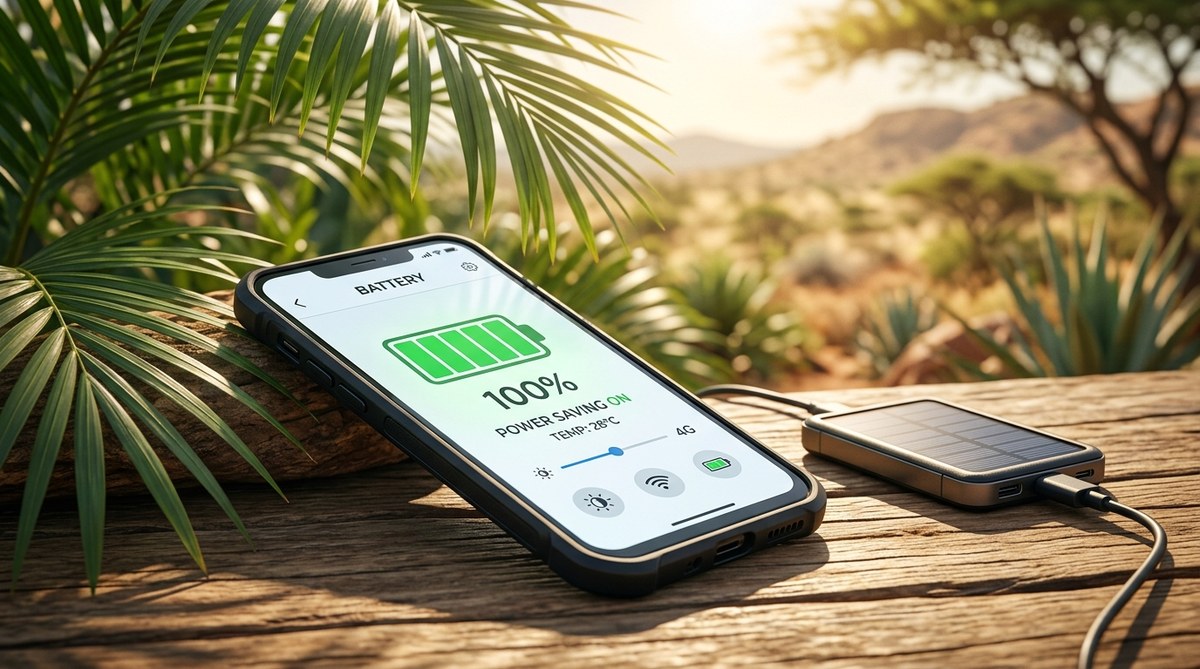
Your phone battery drains so much faster in the heat. It is a common problem across Africa. You step outside, the sun hits your phone, and within an hour your battery drops from 80% to 30%. It is frustrating, especially when you need your phone for work, navigation, or staying connected. The good news is you do not have to live with this. There are simple changes you can make today to protect your battery and make it last longer.
Extreme heat is your smartphone battery’s worst enemy. In Africa’s climate, high temperatures accelerate chemical reactions inside the battery, causing faster drain and permanent damage. To extend your battery life, avoid direct sunlight, reduce screen brightness, turn off unused connections, enable battery saver mode, and charge wisely. Small changes can double your battery’s lifespan.
## Why Heat Is So Hard on Phone Batteries
Lithium ion batteries hate heat. When the temperature climbs above 35 degrees Celsius (95 degrees Fahrenheit), the internal chemical processes speed up. This means your battery loses capacity faster. It also means your phone works harder to cool itself, which drains more power. In many parts of Africa, summer temperatures can reach 40 degrees or more. Your phone has no way to escape that heat.
If you leave your phone in direct sunlight, even for a few minutes, the battery temperature can spike dangerously. This can cause permanent damage. Over time, your battery will hold less charge. You might find yourself running to a charging point two or three times a day.
## Practical Steps to Extend Smartphone Battery Life in Hot Climate
Here are the most effective ways to keep your battery alive when the sun is beating down.
### 1. Keep Your Phone Out of Direct Sunlight
This is the single most important step. Never leave your phone on a car dashboard, a table in the sun, or near a window. Put it in your bag or pocket when you are outside. If you use your phone for navigation while driving, mount it near an air vent to keep it cool.
### 2. Turn Down Screen Brightness
The screen is the biggest battery drain. In bright sunlight, you might be tempted to crank up brightness. Instead, enable auto brightness or manually set it as low as comfortable. Many phones let you lower brightness more than you think.
### 3. Use Battery Saver Mode
Most Android and iPhone phones have a battery saver or low power mode. Turn it on when you know you will be away from a charger for a while. It limits background activity, reduces performance, and dims the screen. You will barely notice the difference for basic tasks.
### 4. Turn Off Unused Connections
Bluetooth, Wi Fi, GPS, and mobile data all drain battery. Turn them off when you do not need them. If you are in an area with weak signal, your phone works harder to find a connection. Switch to airplane mode if you can, or use offline maps.
### 5. Close Background Apps
Apps running in the background use power. Check your phone’s battery settings. You will see which apps are draining the most charge. Force stop apps that you are not using. Social media apps are often the worst offenders.
### 6. Avoid Charging to 100% in Heat
Charging a hot battery fully can cause stress. Scientists recommend keeping lithium ion batteries between 20% and 80% for longer life. If you can, charge your phone in a cool room. Consider using a slower charger, as fast charging generates more heat.
### 7. Remove Your Phone Case While Charging
Many phone cases trap heat. If your phone feels warm while charging, take the case off. This allows heat to escape more easily and keeps the battery cooler.
## What Not to Do: Common Mistakes
| Mistake | Why It Hurts Your Battery | Better Alternative |
|———|—————————|——————–|
| Leaving phone in direct sunlight | Heat damages battery cells | Keep phone in shade or pouch |
| Using fast charger in hot car | Charging + heat = faster degradation | Charge in cool place, or use slow charger |
| Keeping battery at 100% all day | High voltage stresses battery | Keep between 20% and 80% |
| Running heavy apps while charging | Heat from both processor and charging | Let phone charge with screen off |
| Ignoring battery health warnings | Permanent capacity loss | Replace battery if health drops below 80% |
> “High temperatures are the number one killer of lithium ion batteries. Even a few hours in direct sunlight can reduce a battery’s lifespan by years. Always prioritize keeping your device cool over any charging tactic.”
> **Dr. Aisha Mensah, Battery Technology Researcher at University of Cape Town**
## Tools and Features to Help You Monitor Battery Health
Most smartphones now include a battery health feature. On Android, go to Settings > Battery > Battery Health. On iPhone, go to Settings > Battery > Battery Health & Charging. Check it regularly. If your maximum capacity drops below 80%, consider a battery replacement. A weak battery will drain even faster in heat.
You can also use third party apps like AccuBattery (Android) to track temperature and charging habits. These apps can warn you when your battery is getting too hot.
## Adjust Your Habits for Daily Life in Africa
Living or traveling in Africa means dealing with heat. Here are some practical adjustments:
– **Charge during cooler hours.** If possible, charge your phone in the evening or early morning when temperatures are lower.
– **Use offline maps.** Download maps from Google Maps or Maps.Me before you leave. This saves data and battery.
– **Carry a portable power bank.** A 10,000 mAh power bank can give you multiple charges. Keep it in a cool bag.
– **Reduce notifications.** Each ping wakes up your phone and drains battery. Turn off notifications for non essential apps.
– **Update your phone.** Newer software often includes battery optimizations. Always install updates.
## When to Upgrade Your Device
If your phone is more than three years old and the battery drains rapidly even after following these tips, it may be time for a new device. Modern phones have better thermal management and larger batteries. When shopping, look for models with good battery ratings and efficient processors. You can find budget friendly options that perform well in hot climates. For recommendations, check out our list of [top 10 budget smartphones dominating the African market in 2026](https://tech-space.africa/top-10-budget-smartphones-dominating-the-african-market-in-2026/).
## Your Battery Can Survive the Heat
Heat does not have to destroy your phone’s battery. By making small changes to how you use and charge your device, you can keep it running longer. Start with the most important tip: keep your phone out of the sun. Then work through the other steps one at a time. Your battery will thank you, and you will spend less time searching for power outlets.
Try these tips starting today. You will notice a difference within a week. Your phone will stay charged longer, and you will stay connected when it matters most.