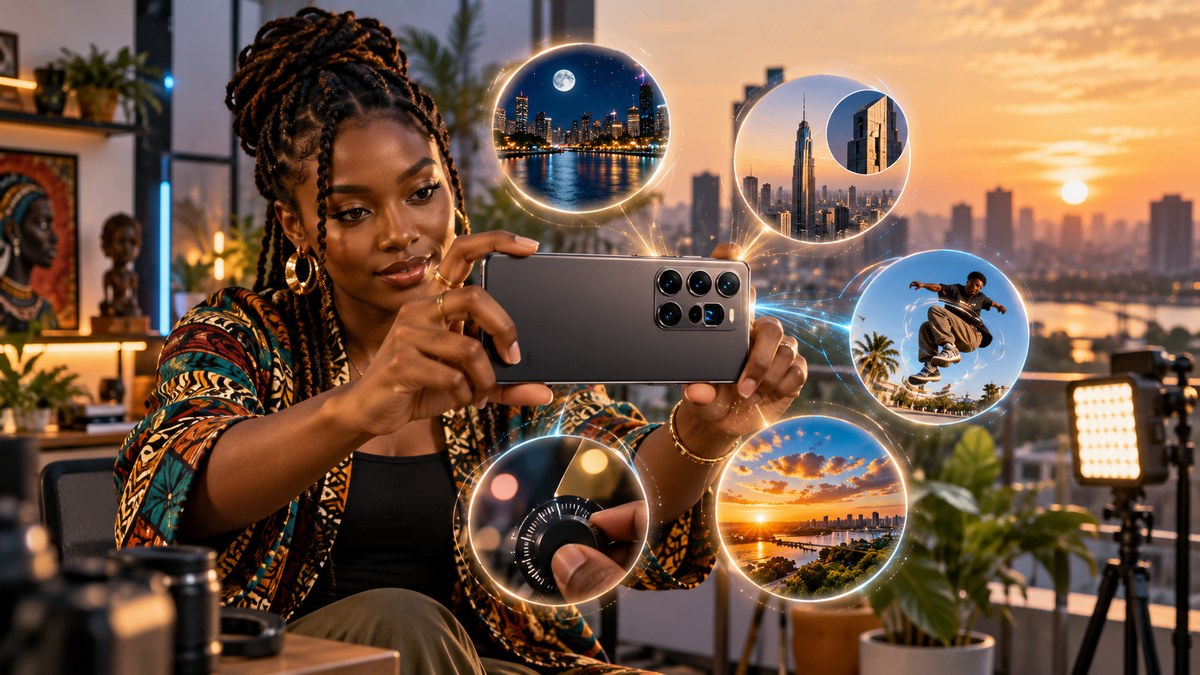
Your smartphone already has the tools to make better content. You do not need a mirrorless camera or the latest iPhone to stand out. Across Africa, creators are building audiences with phones that cost under $300. The difference between a flat video and a cinematic one often comes down to settings you have ignored.
Most mid-range smartphones sold in Africa in 2026 include features like manual white balance, focus peaking, and log color profiles. These tools are buried in menus many users never open. Learning to use them can boost your production value without spending a single naira, rand, or shilling on new gear.
The Hidden Power of Manual White Balance
Auto white balance is convenient. It is also unreliable. When you film under the harsh midday sun in Lagos or inside a Nairobi cafe with warm bulbs, your phone guesses the color temperature. It often gets it wrong, shifting skin tones to orange or blue.
Set your white balance manually. Open your camera settings and look for the WB icon. Choose a preset like “Cloudy” or “Shade” for warm tones, or “Fluorescent” for cooler looks. For total control, use a custom value measured in Kelvin. Most phones let you pick a number between 2500K and 6500K.
Here is a simple process to lock in accurate white balance:
- Hold a piece of white paper in your scene.
- Point your camera at the paper so it fills the frame.
- Tap the custom white balance option and confirm.
- Remove the paper and start recording.
This one step removes the color cast that makes amateur footage obvious. Your audience will notice richer skin tones and more natural backgrounds.
Focus Peaking for Sharp Videos
Phone autofocus works well for static subjects. It struggles when you move the camera or film through objects like leaves or railings. The focus hunts back and forth, ruining your shot.
Focus peaking is a feature that highlights the sharp areas of your frame with colored outlines. When you see those outlines on your subject, you know they are in focus. It turns a guessing game into a visual check.
To enable focus peaking, go to your camera or video settings. Look for “Focus Peaking” or “Peaking Level.” Set it to low or medium so the outlines do not distract you. Then tap your subject on the screen to lock focus. Move the camera slowly. As long as the colored lines stay on your subject, you are sharp.
This feature is especially useful for product reviews and talking head videos where you want the background to blur but your face to stay crisp.
Log Color Profiles for More Dynamic Range
Standard video mode on most phones compresses the highlights and shadows. You lose detail in bright skies and dark corners. Log profiles flatten the image so your sensor captures more information.
Think of log as a raw ingredient. It looks gray and washed out straight out of the camera. That is normal. The flat image holds more data in the bright and dark areas. When you add a color grade in editing, you get a final video with deeper contrast and richer colors.
Many mid-range phones in 2026 include a log or flat profile. Look for names like “HLG,” “V-Log L,” or “Flat Profile” in your camera settings. Switch to this mode before you record. Then use a free app like DaVinci Resolve or CapCut to apply a simple LUT (lookup table) that restores the contrast.
| Feature | What It Does | When to Use It |
|---|---|---|
| Standard video | Compresses highlights and shadows | Social media clips, stories |
| Log profile | Preserves more detail in bright and dark areas | Vlogs, interviews, cinematic shots |
| HDR video | Boosts color and contrast automatically | Outdoor scenes with strong sunlight |
Using log does require a little editing time. The payoff is footage that looks closer to a professional camera.
Using the Telephoto Lens for Portrait Style
Most people shoot everything with the main wide lens. That is fine for group shots and landscapes. For portraits and close-ups, the telephoto lens on your phone creates a more flattering look.
Switch to 2x or 3x zoom. Step back a few feet. The longer focal length compresses the background and makes your subject stand out. Skin features like nose and ears appear more natural than with the wide lens, which can distort faces when you stand too close.
Try this test. Record a friend talking at 1x zoom from arm’s length. Then move back and record at 3x zoom so their face is the same size in the frame. Compare the two clips. The telephoto shot will have softer background blur and more pleasing facial proportions.
Most phones let you pinch to zoom in the camera app. For better quality, use the dedicated lens switch if your phone has multiple rear cameras.
Audio Waveforms as a Visual Guide
Bad audio ruins good video. African creators often film in noisy markets, busy streets, or rooms with echo. You cannot fix a clipped or distorted recording in post.
Your phone likely has a hidden feature that shows audio waveforms while you record. This visual feedback lets you see if your sound is too loud or too quiet before you finish the clip.
Open your camera or voice recorder app. Look for a setting called “Show Waveforms” or “Audio Levels.” When the waveform bars hit the red zone, your audio is clipping. Move the microphone closer to the subject or lower the gain.
If your phone does not show waveforms, use a free external app like OBS Camera or Open Camera that includes this feature. Pair it with a cheap lavalier microphone from a local electronics shop. The waveform tells you instantly if the mic is working or if background noise is drowning out your voice.
“Your audience will forgive shaky video before they forgive distorted audio. If you only master one technical skill this year, make it audio monitoring.” — Tunde O., creator and founder of Accra Media Lab
Common Mistakes and How to Fix Them
Even experienced creators slip up. Here are the most frequent errors and the simple fixes.
- Leaving auto white balance on. Your footage shifts color mid-shot when you walk from indoors to outdoors. Set it manually before you start.
- Ignoring the grid overlay. Turn on the rule of thirds grid in your camera settings. It helps you frame your subject off-center for more interesting compositions.
- Recording in 60fps for everything. Higher frame rates use more storage and can look too smooth for talking heads. Use 24fps or 30fps for interviews and 60fps only for action or slow motion.
- Forgetting to clean the lens. A smudge from your pocket can soften the entire image. Wipe the lens with a microfiber cloth before every shoot.
- Using digital zoom instead of walking closer. Digital zoom crops the image and lowers quality. Move your feet or use the optical telephoto lens.
Why Your Phone Is Enough in 2026
Smartphone cameras have improved dramatically in the last three years. Even budget models from brands popular in Africa now include features that were exclusive to flagships in 2023. The gap between phone footage and mirrorless camera footage is smaller than ever.
The real limitation is not the hardware. It is knowing which buttons to press. The five features covered here are available on most phones sold across the continent today. Manual white balance, focus peaking, log profiles, telephoto lenses, and audio waveforms cost you nothing to use. They do require a few minutes of practice.
Start with one feature this week. Shoot a short clip using manual white balance. See the difference in your skin tones. Next week, try focus peaking for a talking head video. Build from there. By the end of the month, you will have a new set of skills that make your content look and sound better.
For a full list of phones that support these features, check out our guide to the top 10 budget smartphones dominating the African market in 2026. If you want to go deeper on audio, read our post on how to protect your smartphone from cyber threats in Africa in 2026 for tips on keeping your recording apps safe.
Turn Your Phone Into a Production Studio
You already carry the most important tool for content creation. The smartphone in your pocket has a camera, a microphone, and editing apps. The missing piece is your knowledge of its hidden features.
Open your camera settings today. Find one feature from this list that you have never used. Test it with a short recording. Share the result with your audience and ask them what they notice. That feedback loop turns a forgotten setting into a permanent part of your workflow.
The best creators do not wait for the next phone release. They master the one they have. Start now.