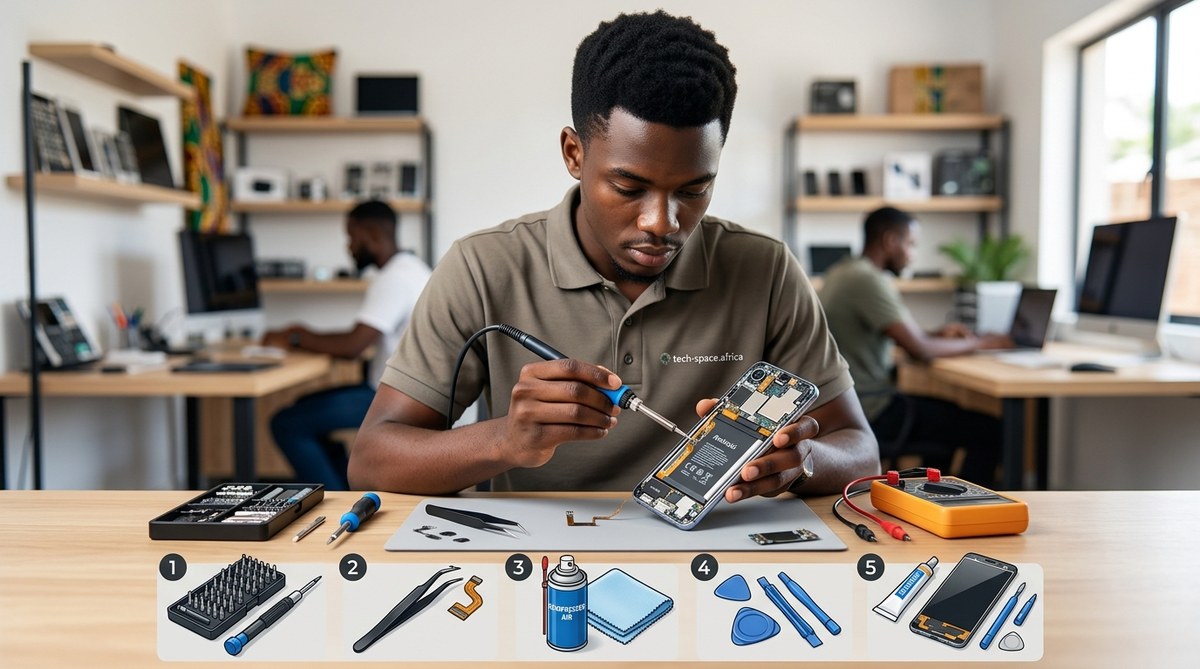
Your phone dies at the worst moment. Maybe the screen cracked after a drop on concrete. Maybe the charging port stopped working right before an important call. In many parts of Africa, taking a phone to a repair shop can cost half the price of a new device. And for students or young workers on a tight budget, that is simply not an option. The good news is that many common smartphone problems can be fixed at home with tools you can find at a local market or even in your kitchen drawer. These smartphone repair hacks for Africa are not about complicated engineering. They are about smart, low cost solutions that use what you already have.
You do not need a professional repair shop to fix most smartphone issues. With basic tools like a toothpick, isopropyl alcohol, a hairdryer, and a small screwdriver, you can replace a battery, clean a charging port, reattach a loose screen, or revive a water damaged phone. These five hacks can save you $50 to $200 per repair.
Why smartphone repairs cost so much in Africa
Professional repair services in Africa often charge premium prices. Replacement parts are imported, and skilled technicians are rare in smaller cities. A simple screen replacement can cost $60 or more. A new battery might set you back $40. For many users, that is a week or two of income.
But here is the thing. Most smartphone failures are not catastrophic. They are small problems that get worse over time. A loose charging port. A swollen battery. A cracked screen that still works. With the right approach, you can fix all of these at home.
Hack 1: Revive a water damaged phone with rice and heat
Water damage is the number one reason phones get thrown away. But if you act fast, you can save your device.
Here is the process to follow:
- Turn off the phone immediately. Do not press any buttons.
- Remove the SIM card, memory card, and battery if possible.
- Shake out as much water as you can. Use a gentle motion.
- Place the phone in a bowl of uncooked rice. Rice absorbs moisture.
- Leave it for at least 48 hours. Do not check it early.
- After two days, use a hairdryer on low heat to dry any remaining moisture. Hold it at least six inches away.
- Reassemble and test the phone.
“Rice is not a magic cure, but it works better than nothing. The key is patience. Most people ruin their phones by turning them on too early.” — Emmanuel O., phone repair technician in Nairobi
If you do not have rice, use silica gel packets (the small packets you find in shoe boxes). They work even better than rice.
Hack 2: Fix a loose charging port without replacing it
A loose charging port is frustrating. The cable falls out at the slightest movement. But you do not need to replace the whole port.
What you need:
– A toothpick or plastic prying tool
– Isopropyl alcohol (70% or higher)
– A small brush (an old toothbrush works)
Steps to tighten a loose port:
- Turn off your phone.
- Dip the toothpick in isopropyl alcohol.
- Gently clean inside the charging port. Move it around to remove dust and lint.
- Use the brush to sweep out debris.
- Let it dry for 10 minutes.
- Try your charger. If it still feels loose, check if the port is bent. Sometimes you can carefully bend it back with a plastic tool.
This hack works because most loose ports are not broken. They are just clogged with pocket lint and dust. A good cleaning fixes the connection.
Hack 3: Replace a swollen battery safely
A swollen battery is dangerous. Do not ignore it. But you can replace it yourself for a fraction of the shop price.
| What to do | What NOT to do |
|---|---|
| Turn off the phone and remove the back cover | Do not puncture the battery |
| Use a plastic spudger to gently pry the battery out | Do not use metal tools near the battery |
| Apply a small amount of heat from a hairdryer to soften the adhesive | Do not overheat the battery |
| Replace with a genuine or high quality third party battery | Do not buy cheap knockoff batteries |
| Dispose of the old battery at a proper e waste center | Do not throw it in the trash |
Swollen batteries are common in hot climates. If your phone feels puffy or the screen is lifting, replace the battery immediately. For more tips on keeping your battery healthy, read how to extend your smartphone’s battery life in Africa’s harsh climate.
Hack 4: Fix a cracked screen with UV glue and a clamp
Cracked screens are expensive to replace. But if the cracks are small and the touch function still works, you can seal them with UV glue.
Materials needed:
– UV curing glue (sold at phone accessory shops or online)
– A small UV flashlight (or direct sunlight)
– A clamp or a heavy book
– Isopropyl alcohol for cleaning
Steps:
- Clean the screen with alcohol. Remove all dust.
- Apply UV glue along the crack. Use a thin layer.
- Place the clamp or heavy book on top to keep the glass flat.
- Expose the glue to UV light for 5 minutes. Sunlight works if it is strong.
- Remove the clamp and wipe off excess glue.
This hack does not make the screen perfect. But it stops the crack from spreading and keeps the screen usable. If you are looking for a phone that can handle rough conditions, check out the top 10 budget smartphones dominating the African market in 2026.
Hack 5: Clean a sticky or unresponsive button
Buttons get stuck because of dirt, sweat, or dried juice. You do not need to replace the button mechanism.
Follow these steps:
- Turn off the phone.
- Mix a small amount of isopropyl alcohol with water (70% alcohol to 30% water).
- Dip a cotton swab in the mixture. Squeeze out excess liquid.
- Rub the swab around the stuck button. Move it gently.
- Press the button several times to work the liquid in.
- Let it dry for 15 minutes.
- Test the button.
If the button is still stuck, you may need to remove the button cap and clean underneath it. Use a plastic prying tool to pop the cap off. Clean the area with alcohol and reattach the cap.
Common mistakes that make things worse
Here is a table of mistakes people make when trying DIY repairs:
| Mistake | Why it is bad | Better approach |
|---|---|---|
| Using a metal tool near the battery | Can puncture and cause fire | Use plastic spudgers or toothpicks |
| Turning on a wet phone too soon | Short circuits the motherboard | Wait at least 48 hours |
| Using too much heat on the screen | Damages the LCD display | Use low heat only |
| Buying the cheapest replacement battery | May swell or explode | Buy from reputable brands |
| Forcing a stuck charging cable | Damages the port pins | Clean the port first |
Tools you should keep at home
You do not need a full toolkit. But these items will cover most repairs:
- A set of small precision screwdrivers (Phillips and flathead)
- Plastic prying tools (or old credit cards)
- Isopropyl alcohol (70% or higher)
- Cotton swabs and a soft brush
- A hairdryer
- UV glue and a small UV light
- A bowl of rice or silica gel packets
These tools cost less than $10 total. They can save you hundreds of dollars in repair fees.
When to call a professional
Some problems are too dangerous or complex for DIY. Do not try to fix these yourself:
- Water damage that has already caused corrosion (you need ultrasonic cleaning)
- Broken motherboard or logic board
- Failed soldering inside the phone
- Damaged screen that affects the LCD (not just the glass)
- Any repair that requires opening the phone’s sealed water resistance
If your phone has one of these issues, take it to a trusted repair shop. But for everything else, these smartphone repair hacks for Africa will keep your phone running without breaking the bank.
Your phone can last years longer
Smartphones are built to last. The problem is not the hardware. It is the lack of affordable repair options. By learning these simple hacks, you take control of your device’s lifespan. You save money. You reduce electronic waste. And you keep your phone working through the heat, dust, and daily wear that Africa throws at it.
Start with the easiest fix. Clean your charging port today. You might be surprised how much better your phone works.